Digital Wedding Invitation W8417: Modern Animated Evites
Planning a wedding involves countless details, and the invitation sets the first tone for your celebration. Digital Wedding Invitation W8417 offers a contemporary solution for couples seeking elegance without the wait. This animated video template combines visual appeal with practical convenience, allowing you to create and share your invites within minutes. Unlike static designs, the animated elements add a dynamic layer that captures attention in crowded inboxes and message threads.
Understanding the Digital Wedding Invitation W8417 Template
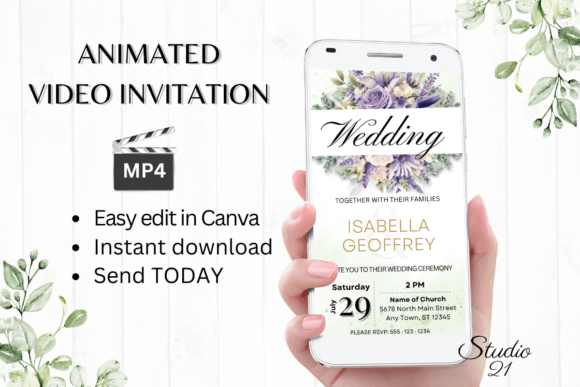
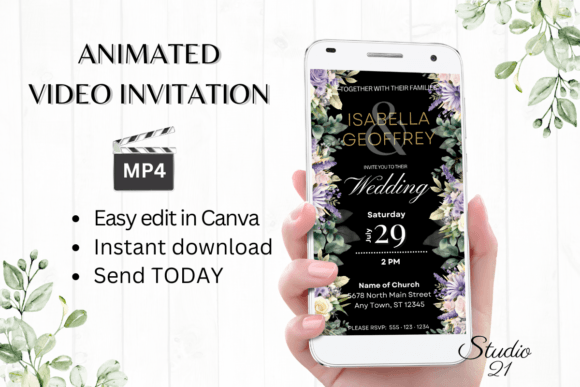
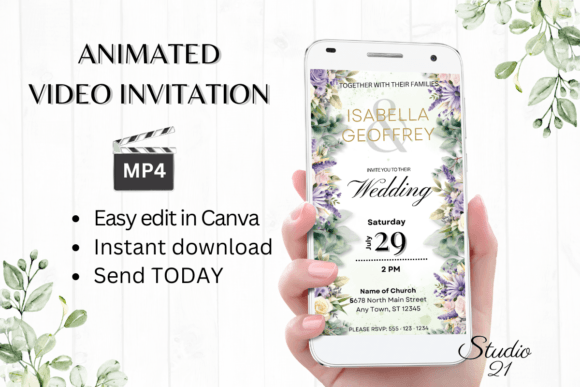
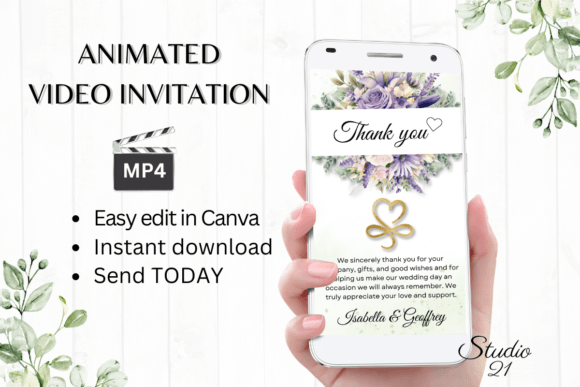
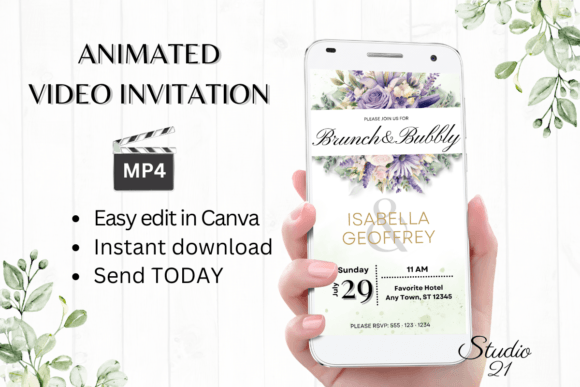
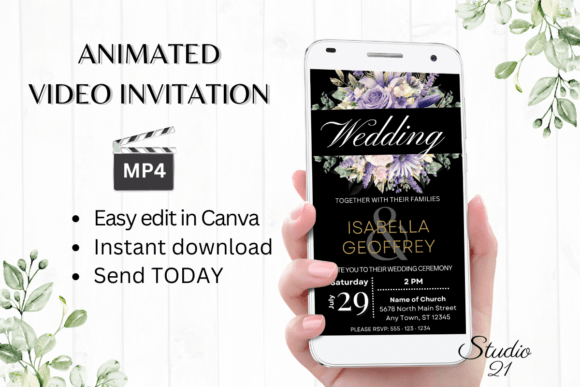
Digital Wedding Invitation W8417 is a professionally designed animated video template built in Canva. It features a vertical 1080x1920 pixel format optimized for mobile viewing, which is crucial since most guests will open invitations on their phones. The design aesthetic leans toward modern elegance with clean lines, subtle animations, and a balanced color palette that can be easily customized. The template's personality strikes a balance between sophisticated and approachable, making it suitable for both formal and semi-formal wedding themes.
What makes this template particularly valuable is its flexibility. You're not locked into a specific font style or color scheme. The template includes editable text layers where you can change font styles, colors, sizes, and effects to match your wedding palette or personal brand. For couples who want a cohesive look, this means you can align your digital invitation with your wedding website, signage, and other printed materials without needing advanced design skills.
Where This Digital Invitation Template Excels
The strength of Digital Wedding Invitation W8417 lies in its versatility across different communication channels. Once you've personalized your invitation in Canva, you can download it as an MP4 file and share it through text messages, Messenger, iMessage, WhatsApp, or any platform that supports video. This flexibility is invaluable for reaching guests across different age groups and technological comfort levels. Some prefer a quick text, while others might appreciate an email with a direct link—the template accommodates both approaches.
For creative professionals and entrepreneurs, this template offers insights into efficient design workflows. The immediate access model—no waiting for proofs, no software downloads—demonstrates how modern design assets can streamline client projects. If you're a wedding planner, photographer, or event coordinator, you could adapt this approach for client presentations or promotional materials. The template's structure teaches practical lessons in visual hierarchy: how to guide the viewer's eye through information using animation timing, text placement, and color contrast.
The visual characteristics of Digital Wedding Invitation W8417 work particularly well for contemporary wedding themes. The animated transitions create a sense of movement and anticipation, mirroring the excitement of an upcoming celebration. The typography options allow for various interpretations—from classic serif fonts for traditional weddings to modern sans-serif or script fonts for more relaxed events. This adaptability makes it a valuable design asset for anyone in the wedding industry or couples who want professional results without the professional price tag.
Practical Implementation and Customization
Getting started with Digital Wedding Invitation W8417 is straightforward. You receive a PDF with a direct link to the Canva template and a user guide with clear instructions. The editing process happens entirely in Canva's free version—no premium subscription required. This accessibility is important because it removes barriers for users who might be unfamiliar with professional design software. The template's layered structure makes it easy to isolate and modify individual elements without affecting the overall composition.
When customizing your invitation, consider how the font choices will affect readability across different devices. While the template allows for creative font combinations, it's wise to test your final design on multiple screen sizes. A beautiful script font might look stunning on a desktop preview but become illegible on a smaller smartphone screen. The template's design accounts for this with appropriate text sizing and spacing, but your personalization choices should maintain that balance.
For those thinking about commercial applications, Digital Wedding Invitation W8417 demonstrates how digital templates can serve as both practical tools and learning resources. The included user guide provides insights into animation timing and design principles that apply beyond wedding invitations. Whether you're creating social media graphics, promotional videos, or digital presentations, understanding how to guide viewer attention through subtle motion is a valuable skill in modern digital communication.
The template's approach to color customization deserves attention. Rather than offering infinite options that might overwhelm users, it provides a structured system for maintaining visual harmony. This principle applies broadly in design work—whether you're developing a brand identity, creating marketing materials, or designing packaging. The ability to change colors while preserving the template's overall aesthetic balance teaches important lessons about color theory and visual consistency.
Ultimately, Digital Wedding Invitation W8417 represents a practical intersection of design quality and user accessibility. It removes the technical barriers that once made professional-looking digital invitations expensive and time-consuming to create. For couples, it offers a stress-free way to share their celebration details. For designers and creatives, it provides a case study in efficient template design that balances customization with guardrails. The immediate download and editing model reflects how design assets are evolving to meet modern expectations for speed and flexibility without sacrificing visual sophistication.